Customer portal
One register the customer can actually open
The Certyfi customer portal is the window onto equipment, certificates and due dates. Certyfi is not a NATA accreditation body and not a scale manufacturer.
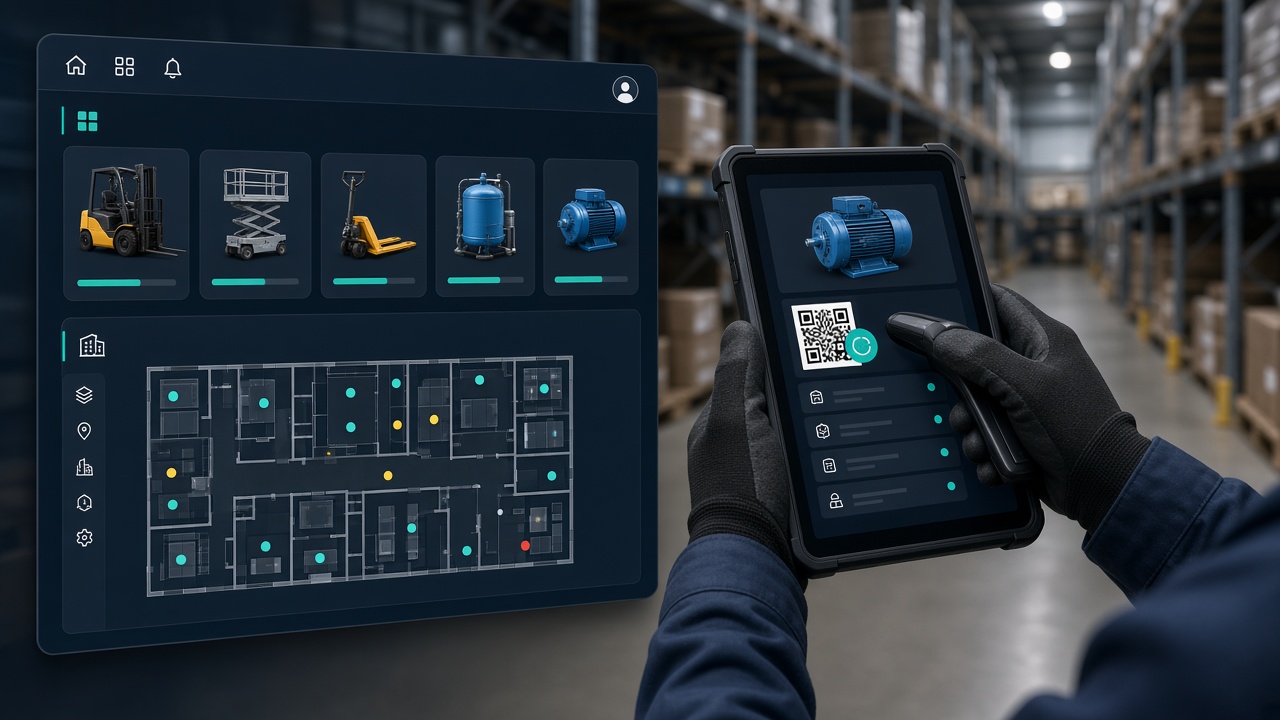
Asset owners should not have to ask a provider to resend a PDF every time an auditor, an insurer or a site manager wants the file. The portal is that window. A provider, or a customer administrator, creates the login. There is no public self-serve signup. People who already have credentials sign in from any network: the office-IP testing lock was lifted on 26 October 2026.
The register is shared. Laboratory staff and the customer organisation look at the same equipment rows. The customer does not keep a second spreadsheet that drifts away from the certificates. In-house checks the customer runs itself sit next to the work a service partner performs. History stays when a partner changes.
What you can do there
The list below is the portal as it ships. It is not a roadmap slide. Native mobile apps, an AI chatbot, Stripe billing and Xero sync are not part of this screen.
- Dashboard. A home for the equipment and the work that belongs to the organisation, scoped to the sites and permissions of the person who signed in.
- Equipment. Create and open assets of any type. Manufacturer suggestions are scoped to the equipment type, so a treadmill and a pressure gauge do not share one flat list. Photos hang off the record.
- Categories and the field library. On types the organisation owns, the customer can keep categories and the fields those types need. The laboratory can follow a customer preset where that has been set up. This is not a scale-only catalogue.
- Certificates. Download the issued PDF. When the provider asks for it, acknowledge the certificate. Acknowledgement is a typed confirmation, not a claim that Certyfi is a qualified electronic-signature product.
- Compliance. See what is due and what has slipped, without exporting the register to start the conversation.
- Users, roles and sites. Customer-built roles, site scope, and the people who should see one building rather than the whole company.
- Company industry and scan action kinds. The organisation’s industry, and the kinds of action a QR scan is allowed to record.
- In-house work. Audits, maintenance and parts use the customer records against the same asset, with a history the portal can show.
- Requirement schedules. The repeating obligations on an asset, including work that stays active when a provider is not connected.
- Floor plans. More than one floor per site, a PNG or JPEG under the dots, and status the customer can read on the plan.
- QR scan. A browser flow can cache permitted equipment basics on the phone and catch up when the network returns. It is not a native app.
- Partner invites. Invite a service partner onto a subset of assets, by type, and revoke that access later. An accepted partner’s own certificates can stay visible for the retention period the customer sets.
- Finance. Purchase, lease and contract figures live on a Finance tab. The tab is permission-gated. Someone without contract-values access does not see those amounts.
- 2FA and passkeys. Password sign-in can sit behind an authenticator. Passkeys are available for people who have turned them on.
What the portal is not
It is not a laboratory. It does not accredit anyone, it does not decide uncertainty, and it does not replace the provider’s method. It is not a shopfront for scales or any other equipment brand. It is not a public marketplace of providers. If your provider does not use Certyfi, this portal will not contain their certificates until someone puts that work into the register.
Providers who issue the certificates, run the visits and choose Report Builder modules should start from for providers. Customers who want the short version of the window should read for customers. The company, the ABN and a human contact are on About. Return to the homepage for the full loop.
ABN 13 889 837 264. Contact jason@certyfi.com.au.